Construction payables,
entered once.
One invoice becomes one tracked record with its lien releases and insurance attached, gets approved, posts to your accounting system as the right checks with the right coding, and is paid. Every action logged, by name.
Joint checks · Retention · Lien releases · Certificates of insurance · Approvals · Accounting integrations
| Invoice | Vendor | Property | Amount | Stage | Documents & warnings |
|---|---|---|---|---|---|
| ALV-2214 | Alvarez Concrete Inc | 1042 Pico Blvd | $48,750.00 | ●Ready for Review | ✓ Invoice · ✓ 3 conditional releases · ✓ COI current |
| HIL-0452 | Hillside Drywall LLC | Central Lofts — Bldg B | $27,650.00 | ●Ready for Review | ⚠ Release date mismatch |
| SUM-0091 | Summit Electrical | Central Lofts — Bldg B | $12,300.00 | ⚠Needs Docs | ⚠ Release not returned⚠ COI expiring 08/09 |
| PAC-1187 | Pacific Plumbing & Rooter | Westside Duplex | $6,845.50 | ⏸Hold | ⚠ COI expired⚠ Prior unconditional missing |
| HIL-0448 | Hillside Drywall LLC | Central Lofts — Bldg B | $22,410.00 | ✓Approved | ✓ All documents · approved Jul 18 |
| ALV-2198 | Alvarez Concrete Inc | 1042 Pico Blvd | $31,200.00 | ↗Posted | ↗ Posted to accounting · awaiting check run |
| HIL-0431 | Hillside Drywall LLC | Central Lofts — Bldg B | $19,880.00 | ✓✓Paid | Check #4471 · ⚠ Awaiting unconditional |
The payables worklist, rendered here in HTML with illustrative demo data. Companies, vendors, properties and amounts are fictional.
One place for every payment
Everything about a payment, together.
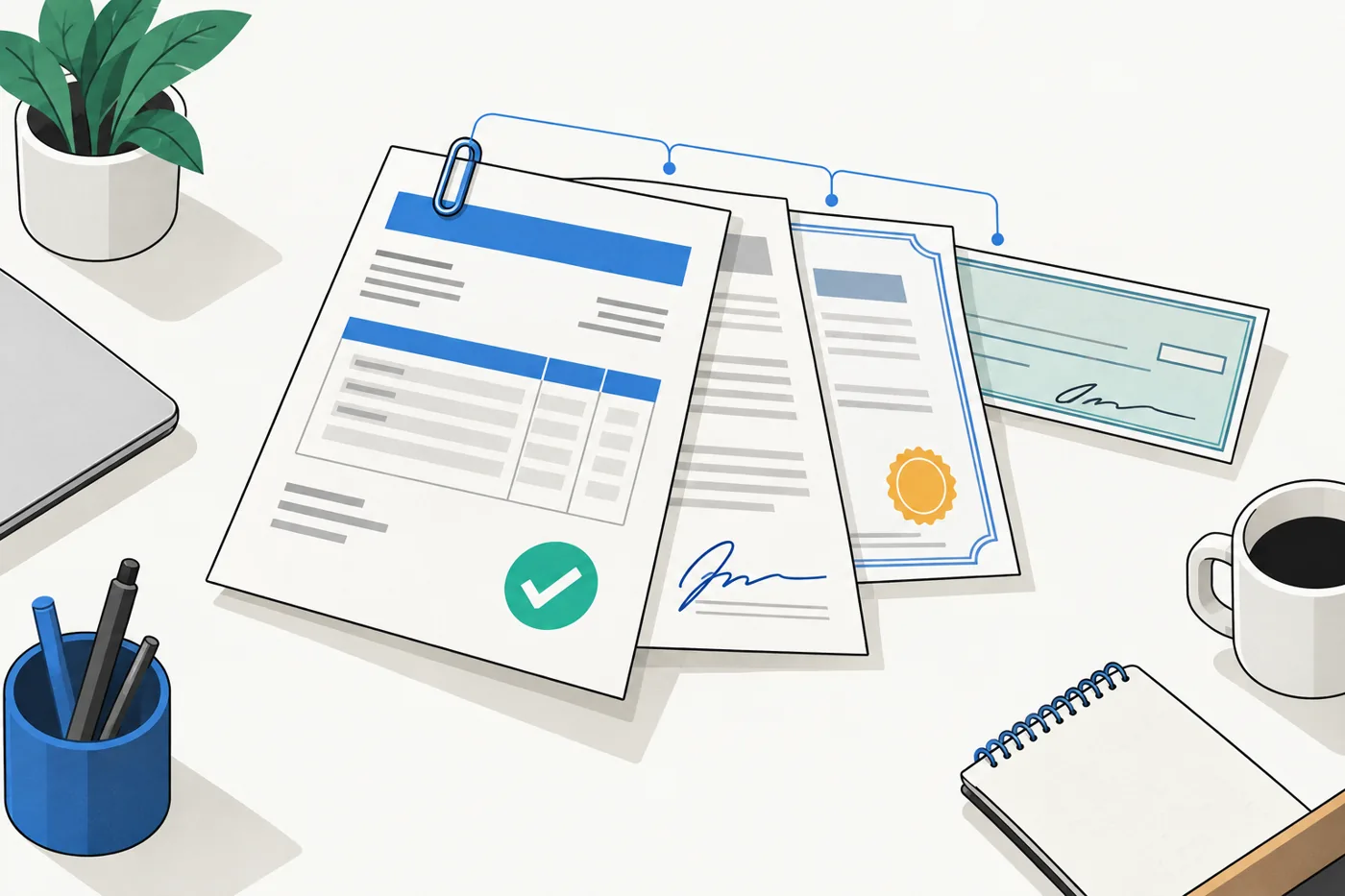
The invoice, its lien releases, the insurance certificate, the approval and the check number all live on one record. Anyone on the team can see where a payment stands and what it is waiting on, without asking.
One system
Inbox, shared drive, spreadsheet and re-keying become one place. Your accounting system stays the books.
Entered once
Record an invoice one time. build.pay drafts the accounting entry from it.
Paperwork that keeps up
Releases and certificates are tracked per payment and requested in one click.
A complete record
Every action is logged by name, so the history is ready when the bank asks.
How it works
Four steps from invoice to paid.
Every payment follows the same path. build.pay knows what each step needs and shows what is waiting at a glance.
Record
An invoice arrives. Record it once: vendor, property, contract and amount. build.pay builds the checks from the contract, including joint checks and retention.
Collect
The lien releases and insurance certificates this payment needs are listed automatically. Request any that are missing in one click and verify them as they come in.
Approve
The approver sees the invoice, its documents and any open flags in one view, then approves or sends it back with a note.
Pay
The accounting entry is drafted for review, the check is recorded once, and the record closes when the final release comes back.
Anything incomplete shows as a flag on the item with the action to fix it. Flags inform, they never stall the team.
Joint checks & retention
Built for how construction actually pays.
Subcontractors are paid by joint check. Subs have subs. Retention is held on every progress payment and released at the end. build.pay generates the checks, the payee names and the class offsets from the contract's sub chain, so nobody builds them by hand.
- Vendor
- Alvarez Concrete Inc
- Property
- 1042 Pico Blvd
- GL account
- 5010 Concrete & Foundation
- Amount
- $48,750.00
- Retention
- 10% · −$4,875.00
- Net this payment
- $43,875.00
Payee names are built for the books and the check: the prime first, then each level down, joined with AND, so they sort together. Payee names are set when the checks are created and never rewritten.
Retention is a class, not an account
Every line on every check posts to the invoice's GL account. A retention line wears the Retention class, so a report split by class answers "how much retention is still owed", and releasing it drives the class to zero.
Joint nets to zero, and shows the split
The offset on the prime's check and the release on the sub's check both wear the Joint class. The job cost appears once, and the accounting records exactly how the money was divided.
Splits validated live
You see the checks before you save them, built with the same math used to create them. Lines that don't balance, a sub claiming more than the contract allows, or an invoice over the contract amount are warnings you see before you save.
Lien releases
A release ledger that knows who owes what.
When the checks are created, build.pay lists each party and each release it will need. One grid shows what is in, what is out, and what to request next.
- ✓Conditional, unconditional, final, tracked per party per payment, including every sub and sub-sub on a joint check.
- ✓One-click request. The email goes out with a pre-filled release generated from the record's own data, ready to sign and return.
- ✓Date mismatches caught structurally. A release dated differently from its invoice is flagged at receipt, not discovered at the bank.
- ✓Prior payments remembered. A new invoice from a vendor whose last unconditional release never came back carries that warning forward.
- ✓Waivable, with a name attached. A requirement can be waived by someone with the permission, and the waiver is logged with their name.

Compliance
Insurance and W-9s, watched every night.
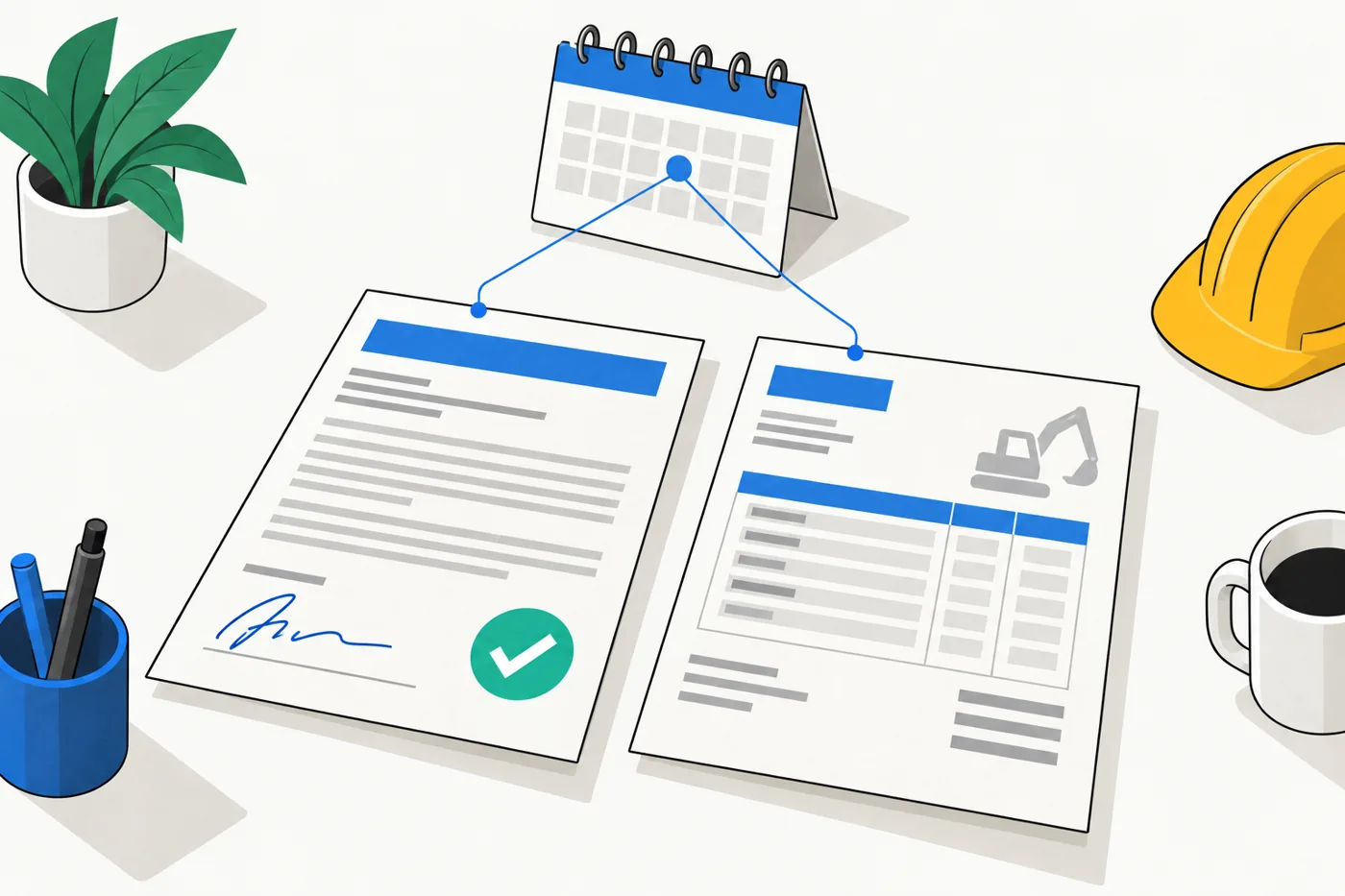
build.pay watches every vendor's insurance certificate and W-9 and gives one plain answer: current, expiring, expired or missing. It rechecks every night and the moment a document arrives.
- ✓Certificates of insurance and W-9s tracked per vendor, with expiry dates and validity.
- ✓A compliance board of every vendor's status, with reminders sent from the system and logged.
- ✓Renewals in one step. Upload the new certificate to the vendor's record and their status updates instantly.
- ✓A dedicated role. A Compliance Officer sees vendors and their documents and nothing else. The role exists on day one.
- ✓Surfaced where it matters. A missing certificate colors the vendor's new invoice at intake. An expiring one flags the item at review.
Warnings, never blockades
Ten things build.pay checks for you.
build.pay checks every payment against its paperwork, its vendor and its contract, and flags anything off. A flagged item can still move forward, but only an Admin can approve past a flag, and the override is logged with a reason.
- COI missing
- Lines don't balance
- COI expired
- Release not returned
- Release date mismatch
- Prior unconditional missing
- Contract over amount
- COI expiring
- W-9 missing
- Sub over claim
Approvals
Approve with the documents in view. In seconds. On the record.
The approver's queue shows each invoice with its checks, its releases, its insurance status and its open warnings inline. Every decision is recorded, and it is the only way an item becomes approved.
- ✓Set or per-check decisions. Approve all the checks for an invoice together, or each one on its own.
- ✓Return with a note. Send it back to payables with what needs to change.
- ✓Nothing sneaks past. An item cannot be posted or paid without a recorded approval.
- ✓Full history on every item: who recorded it, who requested what, who approved, who paid, and when.
Integrations
Your books stay your books. build.pay stops the retyping.
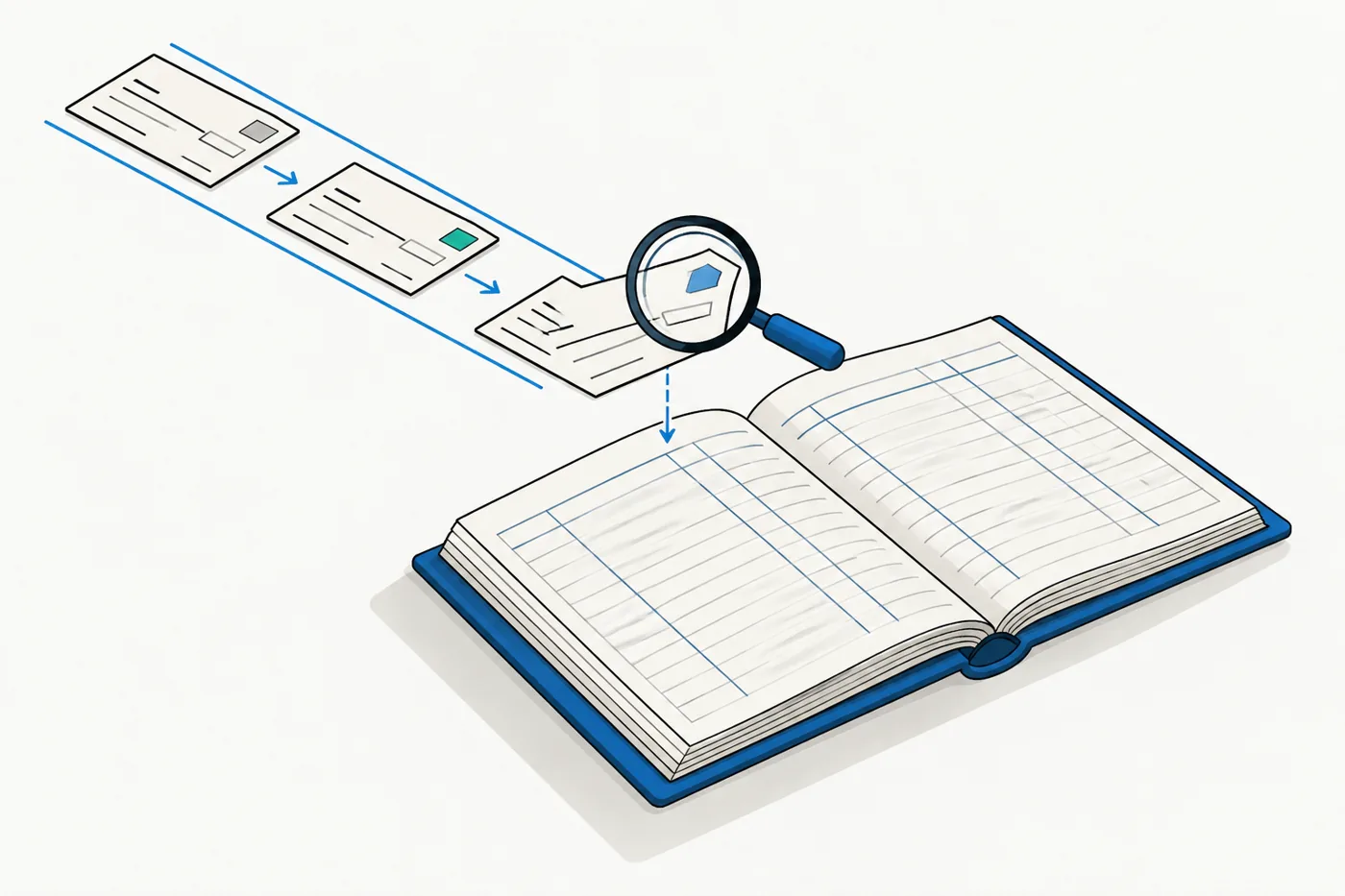
build.pay is not another set of books. It connects to the accounting system you already run, reads your accounts, classes and vendors, and drafts one entry per check for you to review before anything posts.
- ✓You authorize the connection from your own accounting account, and you can disconnect at any time.
- ✓Matched, never guessed. build.pay links what it can and asks you about anything ambiguous. A mapping you chose is never changed behind your back.
- ✓Review the exact entry. Before anything is sent you see every line, every account and every class exactly as your books will receive it.
- ✓One connection per company. Switch companies in the header; each keeps its own connection, and credentials are encrypted.
Accounts, classes and vendors read from your company; one bill per check drafted for review.
In final verificationSign in with the Google account you already use. Access is by invitation only.
AvailableLien release requests go out with the pre-filled form attached. Compliance reminders go out the same way.
AvailableInvoice, releases and check number merged into one file, ready for your lender.
AvailableVendor emails to your payables address become draft payables automatically.
ComingPay approved items electronically, with the same documents and approvals behind them.
ComingRun your books somewhere else? Tell us what you use. Early-access partners shape which integrations come next.
Documents, roles, audit
Bank-report ready, every time.
Originals never change
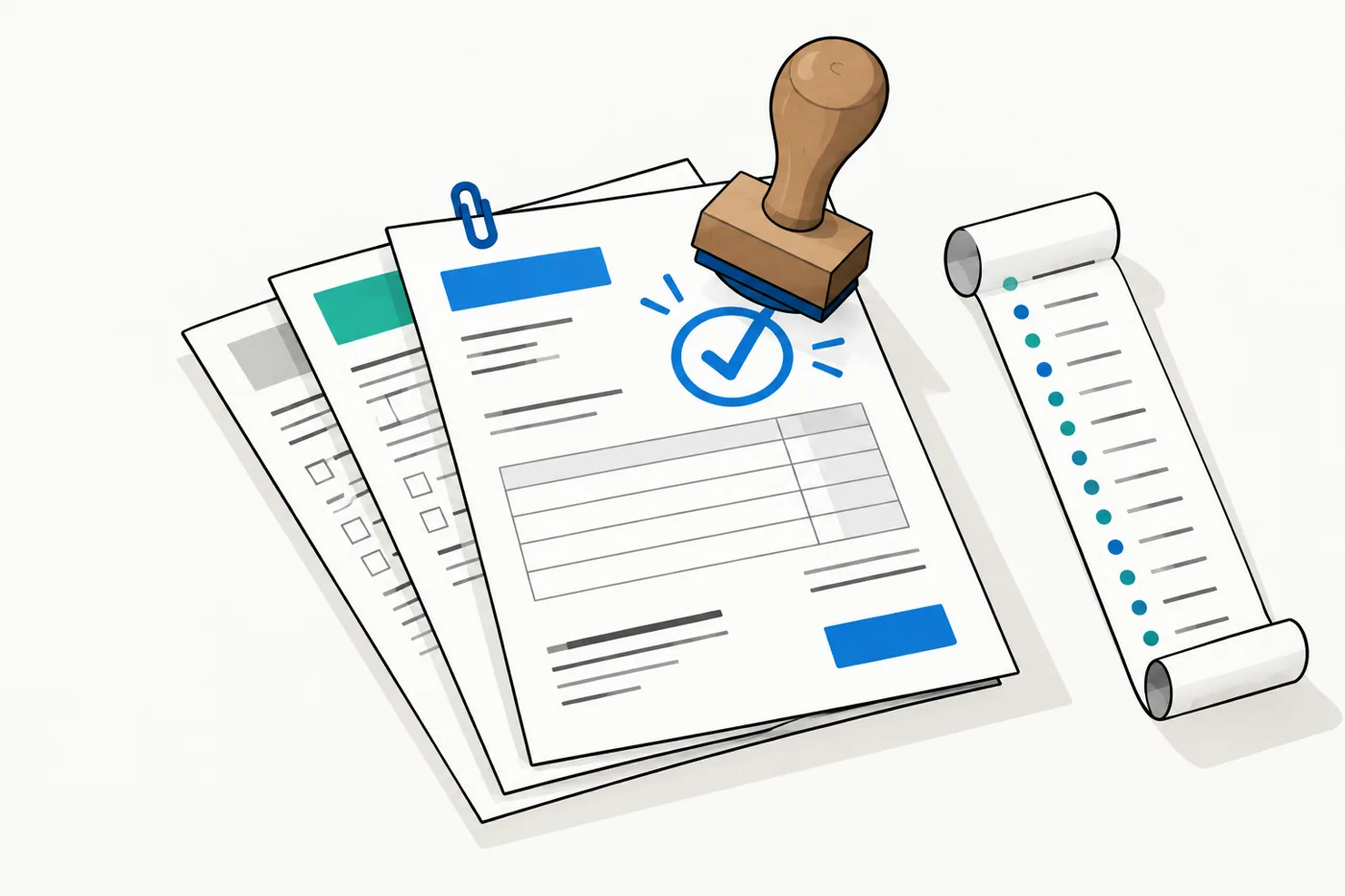
Every upload is checked and stored securely. The original stays exactly as received; PAID stamps and labels are added as new versions on top.
Bank packets in one click
The invoice and its releases merge into a single file for the bank, stamped with the check number, with a record of how it was made.
Private by default
Documents are never on a public link. Every view is permission-checked, logged, and served through a secure link that expires.
Four roles. Sign in with Google, invite only.
Custom roles with per-section permissions are on the roadmap.
Trust
Careful with your money. Careful with your records.
build.pay handles the paperwork behind real checks, so it is built to be conservative: nothing posts without a review, nothing is deleted, and everything is logged.
Roadmap
Here today, and what is next.
build.pay is in early access. Each release ships and gets used before the next one starts.
- Payables tracking with flags for anything missing
- Joint checks and retention generated from the contract
- Lien release tracking and one-click requests with pre-filled forms
- Insurance and W-9 compliance with reminders
- Approvals queue with documents in view
- Secure documents and a complete activity history
- Roles and sign-in with Google
- Accounting integration (QuickBooks Online) with review before posting
- PAID stamps on stored documents
- Bank packets merged and ready to send
- Email intake that turns vendor emails into draft payables
- Two-way accounting sync
- Vendor portal for status, uploads and signing
- Digital payments
- Custom roles
- More integrations, guided by early-access partners
Who's behind it
We're a general contractor. We built build.pay to run our own payables, because nothing we could buy understood joint checks, retention and lien releases the way our accountant does.
build.pay started inside a general contractor as the system its own payables desk runs on. It is now opening to other contractors who pay subs by joint check, hold retention and want their books to stay their books. If that's you, we'd like to talk.
Early access
Enter each invoice once.
We're onboarding general contractors who pay subs by joint check, hold retention, and want the paperwork to keep up. Early-access partners get hands-on setup and a say in what comes next.
Tell us your company, how many invoices a month, and which accounting system you use. We reply personally.